WatchGuard solution

Secure Wi-Fi

Build cloud-managed wireless networks with appropriate coverage, capacity, segmentation and security.

Solution overview

Business Wi-Fi must provide reliable coverage and capacity while separating corporate, operational and guest traffic. The access-point model is only one part of the design; switch capacity, PoE, cabling, channel planning, security policies and management also affect the result.

WatchGuard Secure Wi-Fi combines cloud-managed access points with centralized configuration, monitoring and reporting. ITMAP ASIA supports access-point selection, wireless design, PoE planning, segmentation and integration with the wider WatchGuard platform.
Expected outcomes

What this solution is designed to improve.

01

Cloud-based configuration and monitoring

02

Wi-Fi 6 efficiency for compatible client devices

03

Consistent SSIDs and policies across locations

04

Segmentation for corporate, guest and operational traffic

05

Dedicated wireless scanning on eligible models

06

Centralized firmware and operational visibility

Solution architecture

Recommended building blocks.

The final combination depends on the project environment, current WatchGuard licensing and technical validation.

01

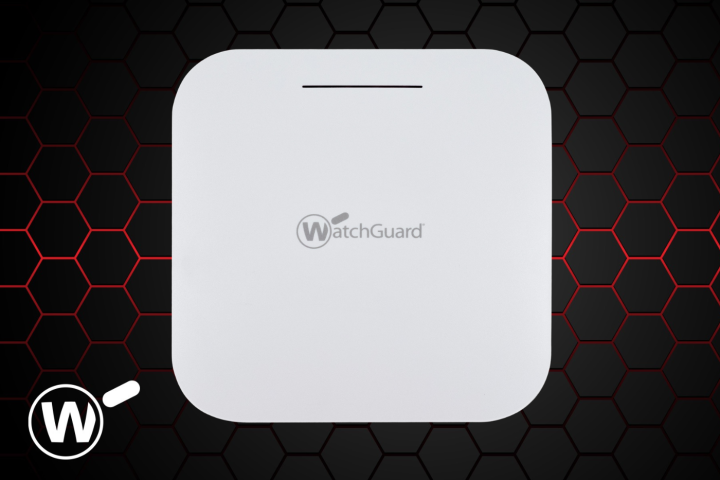
WatchGuard AP130 for suitable low-density indoor areas

02

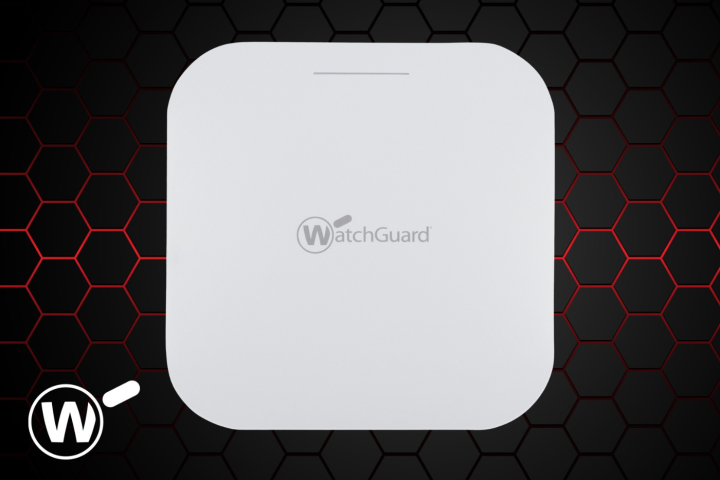
WatchGuard AP330 for suitable mid-density indoor areas

03

WatchGuard Cloud Secure Wi-Fi management

04

PoE or PoE+ switching and structured cabling

05

VLAN, firewall and guest-access policies

06

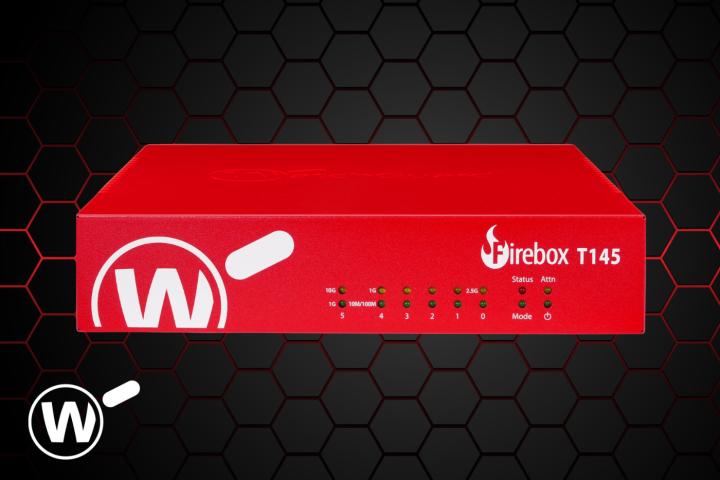
Optional Firebox integration for network security

Where it fits

Common use cases.

Use these examples as a starting point rather than a substitute for assessment and sizing.

Office Wi-Fi

Provide managed corporate and guest wireless access.

Retail and hospitality

Separate guests, staff, payment-related and operational devices.

Education

Support classrooms, staff and administrative networks with centralized policies.

Multi-site Wi-Fi

Standardize SSIDs and management across distributed locations.

Security monitoring

Use dedicated scanning capabilities on eligible access points.

Multi-gigabit wireless uplink

Pair suitable access points with compatible PoE+ and 2.5 GbE infrastructure.

Recommended process

From assessment to operation.

  1. 01

    Collect floor plans, materials and user-density requirements

  2. 02

    Identify applications, SSIDs and segmentation

  3. 03

    Perform or plan an appropriate wireless survey

  4. 04

    Select access points, placement and PoE infrastructure

  5. 05

    Configure policies and pilot the deployment

  6. 06

    Validate coverage, roaming, capacity and operations

Related WatchGuard products

Products commonly used in this architecture.

The list is indicative. Final product selection and licensing should be confirmed through solution sizing.

Frequently asked questions

Important points before design and quotation.

How many access points does a site need?

The answer depends on floor layout, materials, client density, applications and interference. A survey or design review is recommended.

What is the main difference between AP130 and AP330?

AP330 adds a dedicated security scanning radio and 2.5 GbE PoE+ connectivity, making it more suitable for eligible mid-density deployments.

Does Secure Wi-Fi require a subscription?

WatchGuard access points require the appropriate Secure Wi-Fi subscription and WatchGuard Cloud entitlement. Confirm current packaging before quotation.

Official referencesSource reviewed: 2026-07-28
Solution consultation

Turn the requirement into a practical WatchGuard architecture.

ITMAP ASIA supports assessment, product sizing, licensing, demonstration and deployment preparation for partners and organizations in Vietnam.

Request a Quote